Tracklane Devtool Landing
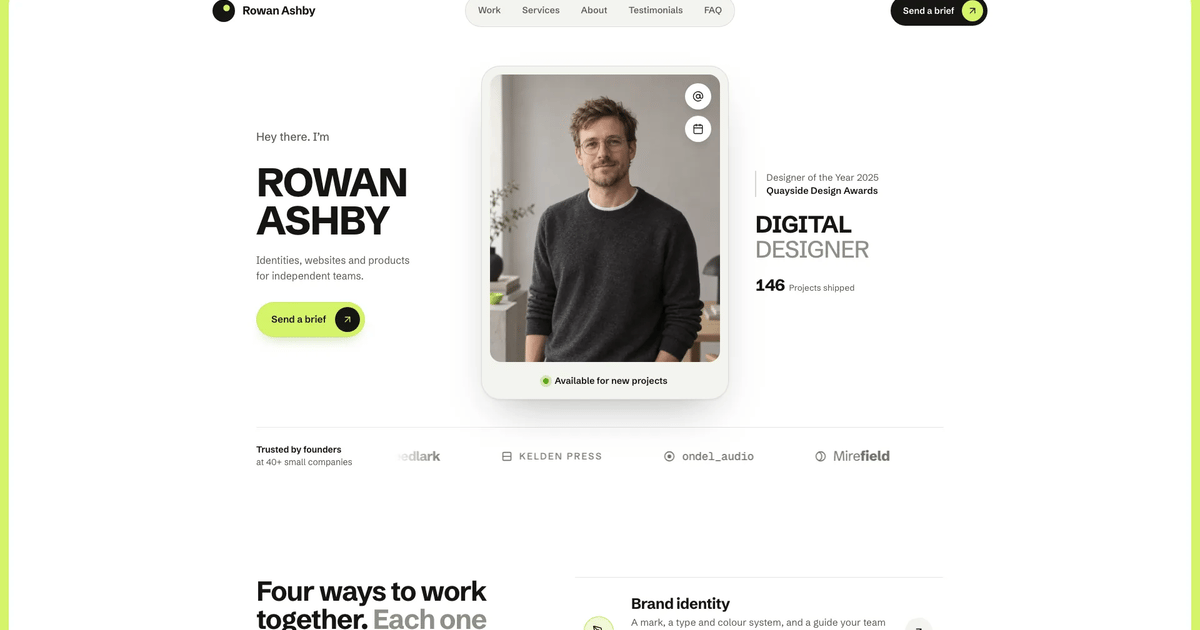
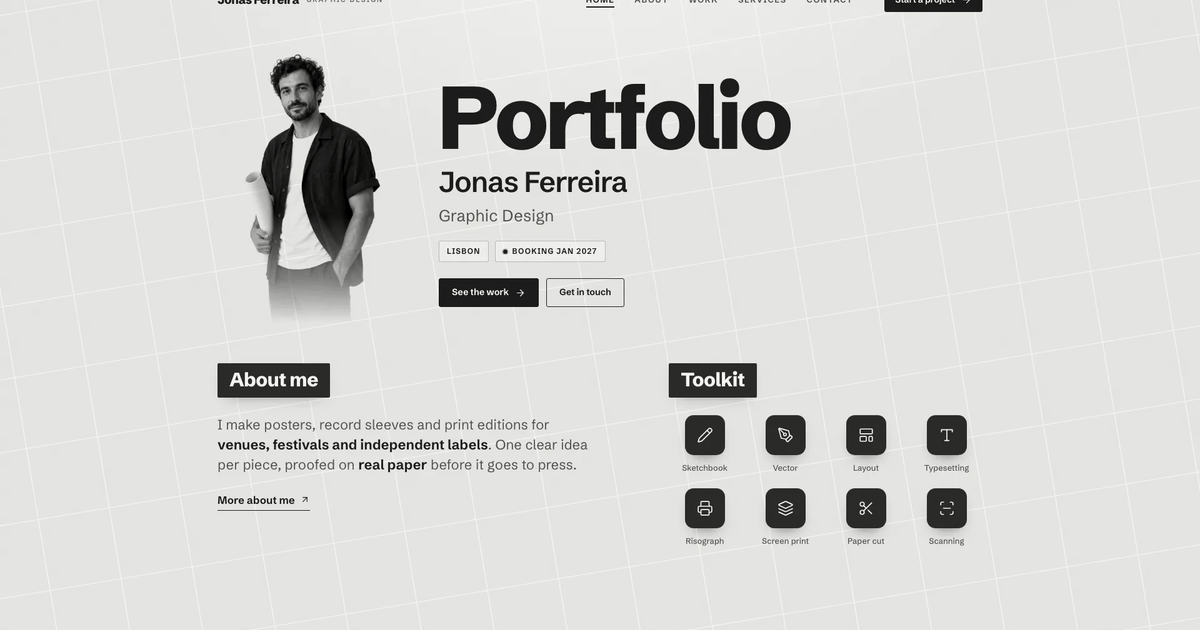
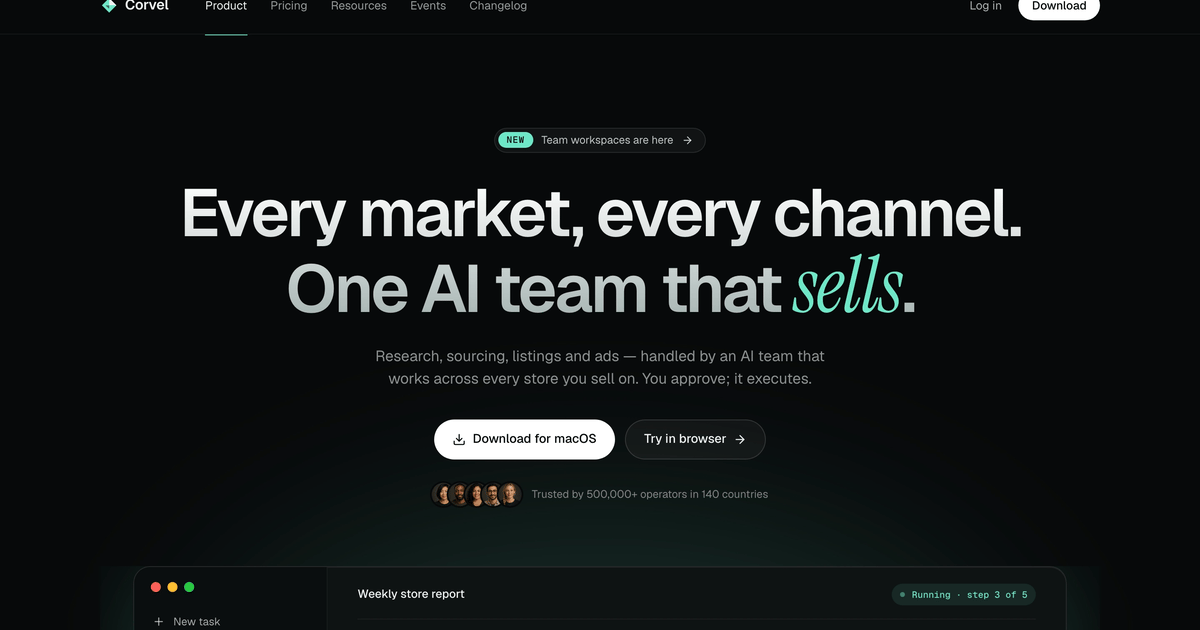
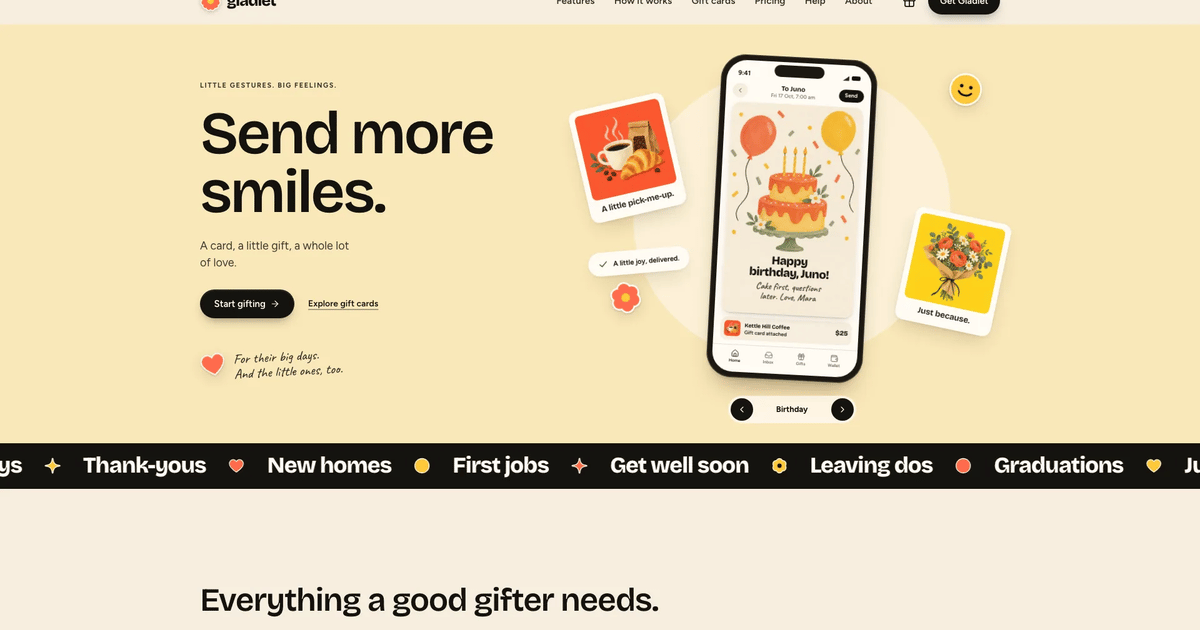
Build a complete developer-tool marketing site with a warm sand canvas, mint section bands, tight headlines and a quiet split hero beside a live product window. Workflow tabs, an evaluation path, security, pricing and companion pages all work, delivered as one self-contained file that opens in any …


Similar Skills
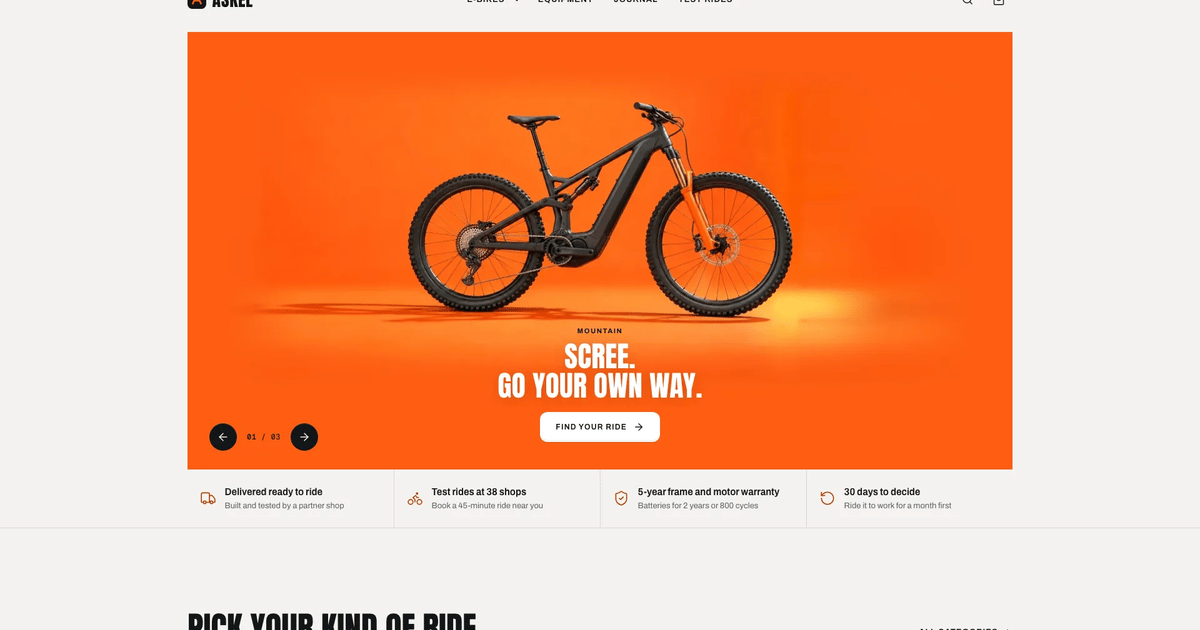
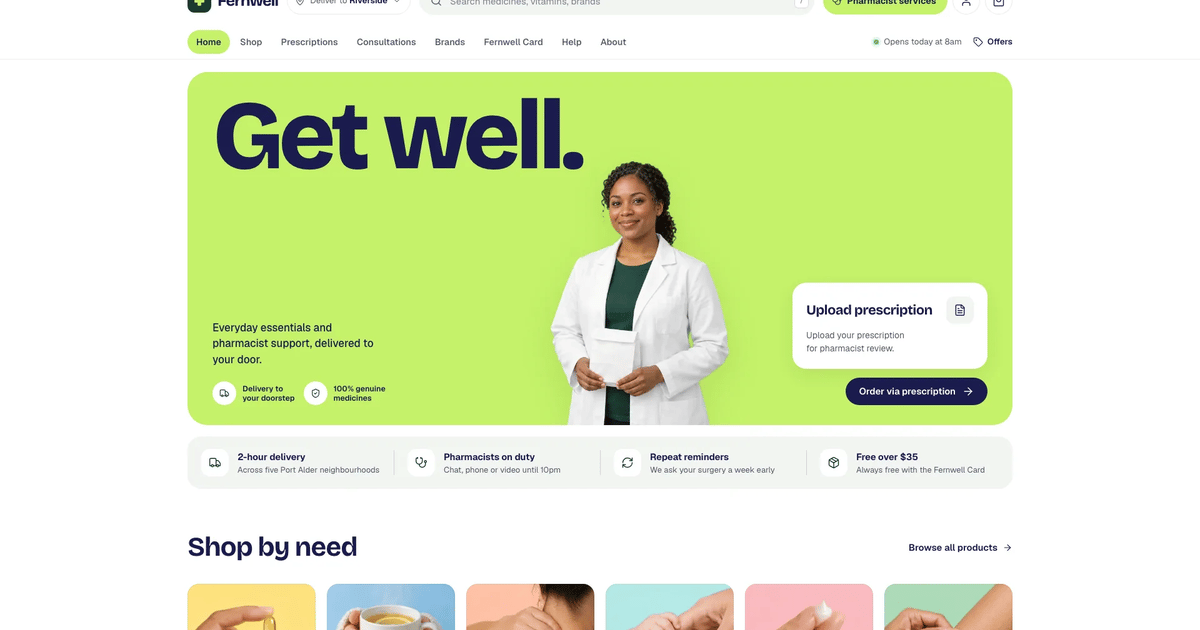
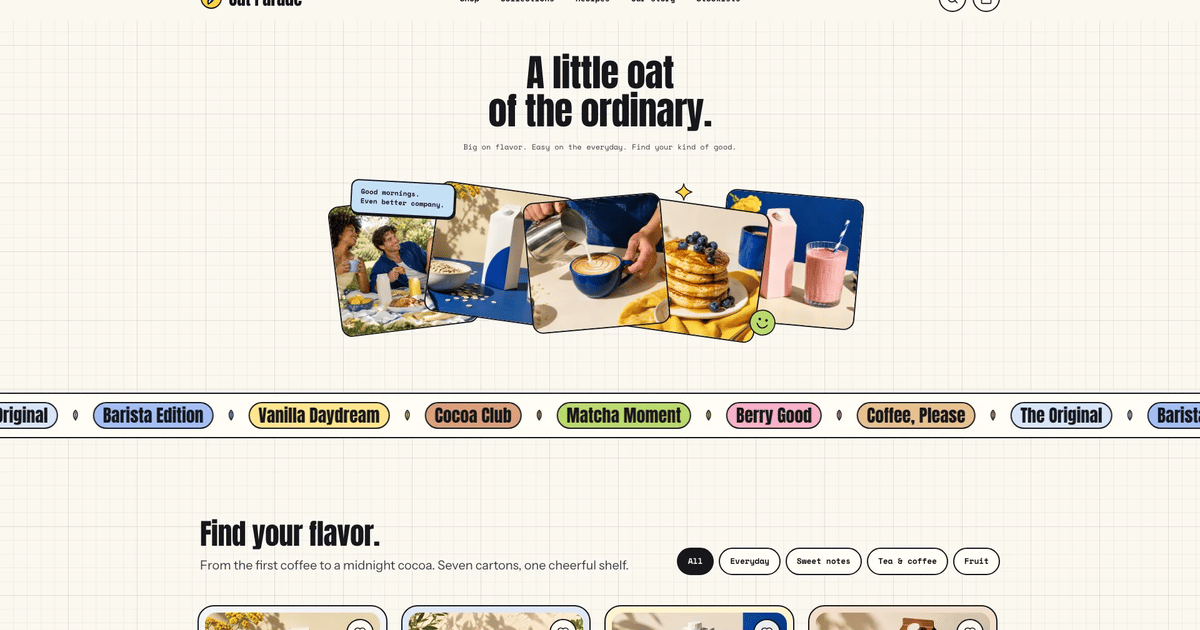
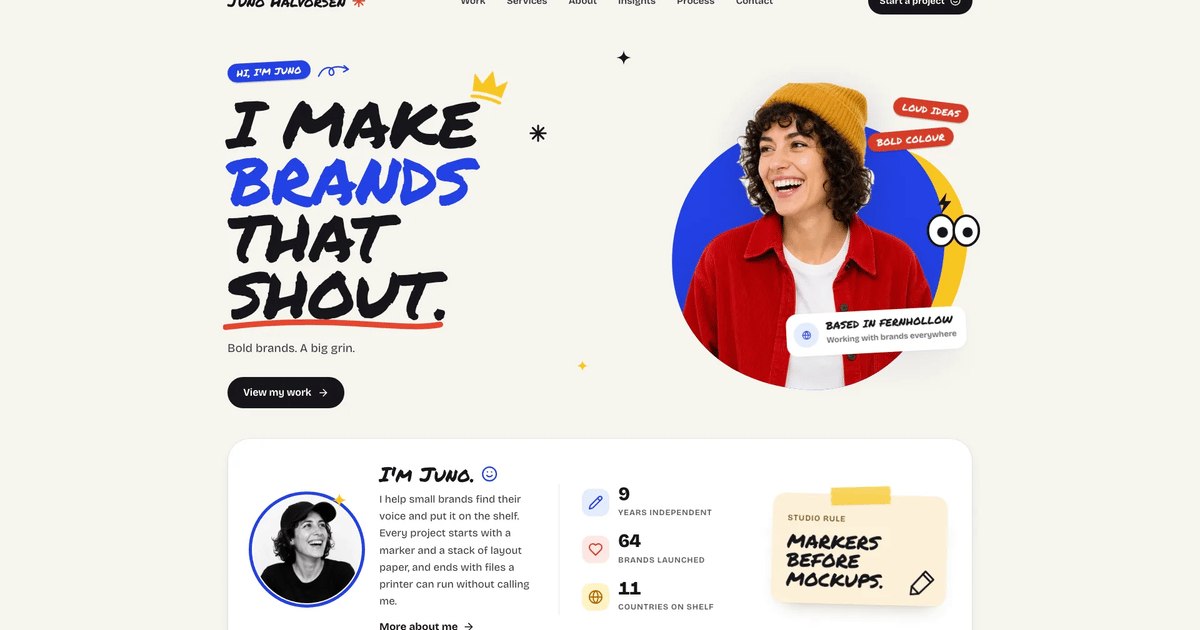
What you’ll get
- One self-contained website file that opens in any browser and works offline, with fonts and images built in; a port into your own framework project when you ha…
- A live product window with board, burn-up and roadmap views, plus a working bento, cycles tabs, command line, Git and API workflow tabs and pricing with a bill…
- Pricing comparison, changelog, sign-in, sign-up, book-a-demo, security, customer story, company and legal pages, with a complete dark theme.
Great for
- Teams launching an issue tracker, planning tool or other B2B developer product.
- Incident, CI or deploy tools that can map their states onto the board, burn-up and roadmap views.
- Products sold to technical buyers who expect an evaluation path, security facts and a comparison table.
Skip it if
- Real accounts, sign-in or form delivery; forms validate and show honest demo results only.
- Sites that need a content management system or several languages out of the box.
- Showing real customer logos or claims you cannot confirm; the marquee and quotes are dropped without real customers.
About this Skill
- 1### 1. Collect the product facts
- 2Ask for (or infer from what the user gave): product name, one-line promise, the
- 3work objects the tool manages (issues, incidents, deploys, tickets...), the
- 4three views worth showing in the hero, five capabilities for the bento, how it
- 5connects to the developer workflow (branches, pull requests, CLI, API),
- 6integrations by category, security facts, evaluation path, pricing tiers and
- 7limits, primary CTA (sign-up, waitlist or demo), company facts for the About
- 8route. Fill gaps with plausible specifics and list every drafted fact in your final
- 9reply; never lorem ipsum, "Your
- 10Company", "Acme" or "Jane Doe". For a real product use only claims the user
- 11confirms; never invent certifications, customers or ratings for a real company.
- 12Pick one sample customer workspace and reuse it everywhere the product appears
- 13(hero, bento, workflow code, audit log). Keep numbers consistent across
- 14sections (see the inventory).
---
name: bs-tracklane-devtool-landing
description: "Build a complete developer-tool marketing site in the tracklane style: warm sand canvas with mint section bands, near-black ink, calm Inter Tight headlines and a quiet split hero: a one-line headline, muted subtitle, four feature notes and a crisp live product window (board, cycle burn-up, roadmap) on the right. Includes a customer wordmark marquee, gradient metric cards, a five-tile workspace bento, tabbed cycles section, developer workflow with CLI, Git and API tabs, an evaluation path for technical buyers, security, a quote carousel with customer story, pricing with a billing switch, FAQ and sign-up CTA, plus pricing comparison, changelog, sign-in, sign-up, book-a-demo, security, customer story, company, legal and 404 routes and a working dark theme. Use for issue trackers, planning tools, dev tools and B2B SaaS, as standalone HTML or ported into Next.js, React, Vue, Svelte or Astro."
---

# Tracklane Devtool Landing

Produce the marketing site of a developer tool that feels like a finished,
real company site: warm and approachable, precise, with the product itself as
the hero. A technical buyer should understand in one glance what the tool does,
see it working, see how it fits their everyday work (Git, CLI, API), find a
clear path to evaluate it (import, pilot, security review), compare plans and
sign up or book a demo. Every one of those paths must work.

The blueprint is `references/template.html` (fictional brand Tracklane, sample
customer workspace Kestova). Open it in a browser first; it loads
`references/images/` beside it and its fonts from the fontsource CDN. Every
Tracklane, Kestova, customer and person name in it is sample content: the
validator fails a finished site that still contains any of them.

## Files

- `references/template.html`: the complete reference implementation: tokens,
  CSS, SVG icon sprite, product UI rendered from data arrays, hash router with
  11 routes, forms, dark theme. Start from it.
- `references/style-guide.md`: tokens, type scale, color, layout, radius and
  shadow scales, component anatomy, do and don't.
- `references/section-inventory.md`: home sections in order, routes, data
  arrays and the numbers that must stay consistent.
- `references/image-plan.md`: art direction, every image slot, crops, prompts.
- `references/motion-system.md`: motion tokens, what animates and why, reveal
  fallback, reduced motion.
- `references/quality-checklist.md`: the pre-delivery checklist.
- `references/icon-library.md`: sprite icons, product glyphs, wordmark marks.
- `references/images/`: generated photos and cropped avatars (see "Adapting to
  a real brief" for which ones may be reused).
- `scripts/inline-assets.mjs`: builds the single offline HTML file (embeds
  `images/`, `fonts/`, `assets/` files and downloads the fontsource woff2 files).
- `scripts/validate-template.mjs`: validator for your site, the template, the
  store demo and framework project folders.

## Workflow

### 1. Collect the product facts

Ask for (or infer from what the user gave): product name, one-line promise, the
work objects the tool manages (issues, incidents, deploys, tickets...), the
three views worth showing in the hero, five capabilities for the bento, how it
connects to the developer workflow (branches, pull requests, CLI, API),
integrations by category, security facts, evaluation path, pricing tiers and
limits, primary CTA (sign-up, waitlist or demo), company facts for the About
route. Fill gaps with plausible specifics and list every drafted fact in your final
reply; never lorem ipsum, "Your
Company", "Acme" or "Jane Doe". For a real product use only claims the user
confirms; never invent certifications, customers or ratings for a real company.

Pick one sample customer workspace and reuse it everywhere the product appears
(hero, bento, workflow code, audit log). Keep numbers consistent across
sections (see the inventory).

### 2. Choose the output target

- **Single HTML file (default, no existing project)**: copy
  `references/template.html` and the `images/` you keep into a working folder
  (for example `site/index.src.html` and `site/images/`), rebrand it there, then
  build the deliverable with
  `node scripts/inline-assets.mjs site/index.src.html site/index.html`. The
  result is one offline file with fonts and images as data URIs, like the
  store demo; it also runs inside a sandboxed preview frame.
- **Deployed static site** (the user hosts it themselves): the same page may
  keep its photos in `images/` and the three woff2 files in `fonts/` beside it
  (point the `@font-face` `src` at `fonts/<file>.woff2`); no remote hosts.
- **Existing or framework project** (inspect `package.json` and conventions
  first): port the same structure into the host's idioms instead of pasting the
  file. Next.js App Router: `app/page.tsx` composes one component per home
  section; routes become `app/pricing`, `app/changelog`, `app/signin`,
  `app/signup`, `app/demo`, `app/security`, `app/customers/[slug]`,
  `app/about`, `app/(legal)/privacy`, `app/(legal)/terms` and
  `app/not-found.tsx`; data arrays (`ISSUES`, `PLANS`, `CMP`, `CL`, `TRIAGE`,
  `CMDS`, `VEL`) move to `data/*.ts`. Fonts via `next/font/google`
  (`Inter_Tight`, `Inter`, `Geist_Mono`) or `@fontsource-variable/inter-tight`,
  `@fontsource-variable/inter` and `@fontsource-variable/geist-mono`, mapped to
  `--f-display`, `--f-sans`, `--f-mono`. Icons from `lucide-react` with the same
  names. Theme with `next-themes` toggling `data-theme`. Images via `next/image`
  with the same `object-position`. With Tailwind v4 put tokens in `@theme` / CSS
  variables, never hard-coded hex values. Vite/React, Vue, Svelte and Astro
  follow the same split. Keep the product UI as real components with state
  (tabs, card moves, switches), never as screenshots.
- The visual contract (tokens, type scale, section order, radius scale, motion
  tokens, the bleeding product window) is identical in every stack.

### 3. Plan sections and copy

Follow `references/section-inventory.md`. Keep the signature order: hero with
the product window, wordmark marquee, metric cards, workspace bento, cycles
tabs on the mint band, developer workflow, evaluation path, security,
customers (quote carousel and story card), pricing, FAQ, CTA band, footer. Use
at least eight layout families; never stack three image-and-text splits.

Copy rules: hero headline is a short imperative on one line (about 20
characters, no period), then a one-sentence muted subtitle (about 15 words) and
four feature notes (two-to-three-word title plus one short line); section headlines 4 to 8 words; leads under
30 words; concrete numbers; sentence case. Two-tone headings (ink sentence plus
a muted second sentence) at most twice per page. No em or en dashes, no filler
verbs ("elevate", "seamless", "unlock", "supercharge"), no eyebrow above every
heading and no announcement pill (a release note rides in the hero's secondary
button). One
label per intent everywhere: "Start free" for sign-up, "Book a demo" for sales,
"Sign in" for the app.

Rebuild the product UI around the user's real objects: rename board columns,
issue IDs, labels, views, chart series, roadmap projects and audit events; keep
the data believable (IDs, dates, owners, points that add up).

### 4. Plan and produce the imagery

Use `references/image-plan.md`. The product is drawn in HTML/CSS/SVG and is
never a photo or a generated screenshot. Write one art-direction sentence, then
define photo slots by role, only where a real company site uses photography:
customer portraits for the quote carousel, the customer story, the team photo
on About, and one contact sheet cropped into avatars for the product UI.
Generate in one batch, look at every image, regenerate anything off-brief or
with text, logos, screens or artifacts. Set crops with `object-position`.
Fictional customers get typeset wordmarks with simple geometric marks, never
real logos; integrations are named by category with Lucide icons, never with
third-party brand marks.

### 5. Build to the craft bar

- Tokens, type, layout and components exactly as `references/style-guide.md`:
  Inter Tight display at weight 620 (hero headline 650 at 54px, never larger)
  with -0.02 to -0.03em tracking, section h2 at most 48px, Inter text
  at 1.6 line height, Geist Mono for IDs, keys and code, one lane-green accent,
  near-black ink buttons, tinted sand and mint neutrals, hairline borders and
  layered warm shadows. Light theme first; the dark theme must fully work.
- Motion per `references/motion-system.md`: content visible without JS, hero in
  under a second, reveals once, product events once and only while visible,
  auto-advancing tabs run one loop and pause on hover, focus and offscreen, a
  single marquee, full `prefers-reduced-motion` support.
- Interactions complete: sticky header that gains a backdrop, scroll-spy nav
  underline, product dropdown (hover and click), focus-trapped mobile sheet with
  Esc, hero view indicator (a tablist driving the product window) with keyboard
  arrows, live board card move (FLIP), triage
  accept/snooze/decline with empty state and reset, thread reply, access
  switches with saved feedback, command palette filter with empty state, cycles
  tabs, automation rule switches, capacity rebalance with undo, velocity range
  switch, code tabs with copy, quote carousel (buttons, thumbnails, swipe,
  arrows), billing switch with rolling prices, comparison table with a mobile
  plan picker, accordions, changelog filter and search with empty state, and
  CTA, newsletter, sign-in (SSO lookup, reset), sign-up, demo and security-pack
  forms with inline validation, loading, success and toast.
- Accessibility: landmarks, skip link, one h1 per view (focused on route
  change), labels above inputs, `aria-invalid` and `aria-describedby` on errors,
  roles and states for tabs, switches, radiogroups and accordions, 44 px touch
  targets, AA contrast in both themes.
- Icons: inline SVG per `references/icon-library.md`; never emoji or dingbats.

### 6. Single-file build and sandbox constraints

Build the single file with `node scripts/inline-assets.mjs <source.html>
<index.html>`: it inlines every `images/`, `fonts/` and `assets/` reference as a
data URI, downloads each `https://cdn.jsdelivr.net/fontsource/fonts/...woff2`
named in the `@font-face` rules once and embeds it (if a download fails it
stops and says so; never ship a file that still loads a remote font), and
embeds an image used by several `<img>` slots only once.

Sandbox restrictions apply when the page is previewed inside a sandboxed iframe
(a single-file demo). A deployed site or framework project does not need them,
but the template already follows them, so keep them. Make zero network requests, no
`alert/confirm/prompt/window.open`, wrap storage in try/catch with an in-memory
fallback. It must run inside `<iframe sandbox="allow-scripts">`: intercept every
`#` link on click and render the view from JS (sync the URL with
`history.pushState` inside try/catch only), drive forms from `type="button"`
handlers plus an Enter-key handler (the sandbox blocks native submission before
`submit` fires), and skip the Clipboard API when `window.origin === 'null'`
(fall back to `execCommand('copy')`). Reference each asset path once (avatars as
CSS classes, a repeated photo cloned at runtime) so inlining does not duplicate
files. Keep the built file under 5 MB (hard cap 8 MB). Remove any vendor badge;
the site must look like the customer's own.

### 7. Validate and review in a browser

1. `node scripts/validate-template.mjs site/index.html` on the built file
   (strict: offline, everything inlined, size budget, and no Tracklane sample
   identity left). Use `--files` for a deployed site that keeps `images/` and
   `fonts/` beside the page, pass the project folder for a framework port, and
   `--no-signature` only after a deliberate restyle. `--template` is for
   `references/template.html` itself and `--demo` for the store demo; neither
   is for your output. Route names are yours: the validator only requires a
   `home` and a `404` view, at least four other views, eight home sections, one
   h1 per view and links that resolve.
2. Screenshot at 360, 390, 768, 1024, 1440 and 1920 px, light and dark. The hero
   must keep its fixed composition (style guide, "Hero anatomy"): 54px one-line
   headline about 63px under the header, the product frame top-aligned with it
   on the right on desktop and below the indicator on phones, no purple
   anywhere, and nothing may scroll horizontally.
3. Click through every nav and footer link, each route and back, every form
   (empty submit, fix, success), filters and search down to their empty states,
   the mobile sheet (Esc closes), theme toggle, billing switch, hero indicator and
   cycles tabs. Repeat the key flows inside a sandboxed iframe for demos.
4. Confirm zero console errors, then walk `references/quality-checklist.md`.

## Adapting to a real brief

- **Counts flex; the grammar does not.** Plans: 2 to 4 entries in `PLANS`;
  each `CMP` row holds one value per plan (the comparison table follows
  `PLANS`), keep the `data-cmp` picker buttons in step with the plan ids, and
  set `.plans` to `repeat(n,minmax(0,1fr))` (two plans: cap its width at
  about 820px). Quotes: 2 to 5 `.qs-slide` figures with a matching
  `.qs-thumb` each (`data-qs` 0..n-1, `aria-label="1 of n"`); the phone thumb
  row sizes itself. Bento stays five tiles, cycles tabs three to four, the
  evaluation track three steps, security facts 2x3, FAQ four to eight items,
  changelog any number of `CL` entries. Wordmarks (`MARKS`) need six or more
  for the marquee to fill; with fewer, drop the marquee row.
- **Map the sections to the product.** The board, burn-up and roadmap are
  the hero views of any tool that moves work through states. An incident
  tool: columns become Triggered, Acknowledged, Mitigated, Resolved, the
  burn-up becomes open incidents over the on-call week, cycles tabs become
  escalation policies, runbooks, postmortems and insights. A CI or deploy
  tool: columns are Queued, Building, Testing, Deployed; the roadmap rows
  are release trains; the workflow tabs show the CLI, the config file and
  the API. A support desk: tickets, SLAs and queues. Rename `COLS`, `ISSUES`,
  `LABELS`, `TRIAGE`, `CMDS`, `VEL`, `HEAT` and the code panels, keep the
  layouts.
- **Real facts only.** For a real product, customer names and logos,
  quotes, metrics ("2,400 companies", "-61% carry-over"), the customer
  story, team size, founding year, addresses, open roles, prices and
  changelog dates come from the brief. Anything missing is drafted as
  clearly plausible placeholder copy and listed in your final reply for the
  user to confirm or replace; with no real customers, drop the marquee,
  quote carousel and story route rather than inventing them. No invented
  certifications (SOC 2, ISO 27001, HIPAA, GDPR claims), uptime figures,
  awards or ratings: keep the security section to facts the user confirms.
- **People photos.** If the site shows a real team or real customers, ask
  for their photos and apply the same crops (`object-position`). Generated
  portraits are stand-ins only; say so in the final reply.
- **Shipped images.** Reusable as neutral placeholders: `av-*.webp` (nine
  product-UI avatars of fictional users) and `story-vantri.webp` (a generic
  team planning at a sticky-note wall; rename the file and rewrite its alt).
  Stand-ins only, to replace with real people or regenerate:
  `quote-rhea`, `quote-jonas`, `quote-amara`, `quote-kenji` and their `qf-*`
  face crops (sample customers), and `team-tracklane.webp` (the sample
  company's team with an office dog; never present it as the user's team).
- **Deliverable.** No existing project: the single HTML file from
  `scripts/inline-assets.mjs` (step 2 and 6), like the store demo; this is
  the default. A deployed static site may keep `images/` and `fonts/` beside
  the page (validate with `--files`). A framework project, or when the user
  asks for one: port per step 2 with local image and font files.
- **The hero copy changes, its anatomy does not.** New one-line headline
  (about 20 characters), subtitle, four feature notes, the same two buttons
  and the "1 of 3" indicator driving three product views.
- **Replace checklist** (strings outside the data arrays): `<title>`, meta
  description and `og:*` tags; every view's `data-title` suffix; the header
  and footer brand plus `aria-label="... home"`; the hero `.app`
  `aria-label` and the workspace chip (`.ws-logo` initial and name); the
  marquee title; audit-log emails; the CLI package, command output, API host
  and token variable in the workflow code panels; the sign-up workspace
  placeholder and the `tracklane.dev/` address prefix (markup and the
  `data.slug` line in the form script); security, privacy and careers
  emails; the legal address; the story route `/customers/vantri` (`ROUTES`
  and its links); image file names (`team-tracklane`, `story-vantri`); the
  comment headers. The validator names any sample string still present.

## Typography

Fonts: Inter Tight (variable), Inter (variable) and Geist Mono (variable). The
template loads them from the fontsource CDN. In a framework project install
`@fontsource-variable/inter-tight`, `@fontsource-variable/inter` and
`@fontsource-variable/geist-mono` or use `next/font/google` (`Inter_Tight`,
`Inter`, `Geist_Mono`); the single-file build inlines the three woff2 files as
data URIs (`scripts/inline-assets.mjs`, step 6), and a deployed static site
serves them from `fonts/` beside the page. Swap
a family only on purpose (for example to match the user's brand type) and
update `--f-display`, `--f-sans` and `--f-mono` together.
User reviews
0 reviews
No reviews yet.
Ratings show up here once real people have tried it. We don’t display scores without the reviews behind them.
FAQ
What will I receive?
By default, one self-contained website file with every page, font and image built in. It opens from disk in any browser, works offline and makes no network requests. If you already have a project, for example in Next.js, React, Vue, Svelte or Astro, or ask for one, the same structure is ported into it with real routes and data files.
Where do the product visuals come from?
The product is drawn as a live interface from your own objects, such as issues, incidents or deploys, so there are no screenshots to produce. Photos appear only for customer quotes, the customer story and the team page. Those are generated with your agent's own image tool, which may charge for usage, or come from your photos; nine product avatars and a planning-wall photo can be reused.
Will it invent customers, metrics or certifications?
No. Customer names, quotes, metrics, prices and security facts come from your brief. Anything missing is drafted as clearly plausible placeholder copy and listed for you to confirm. Without real customers the marquee, quote carousel and story page are removed, and no certification or uptime claim is added.