Grid-Paper Beverage Brand Site
Build a complete, shoppable brand website on warm grid paper: heavy condensed headlines, outlined cards with hard ink shadows, a rotated photo fan with stickers in the hero, and one playful color per flavor. Product, collection and recipe pages, a story page, stockists with a map, wholesale, FAQ, d…


Similar Skills
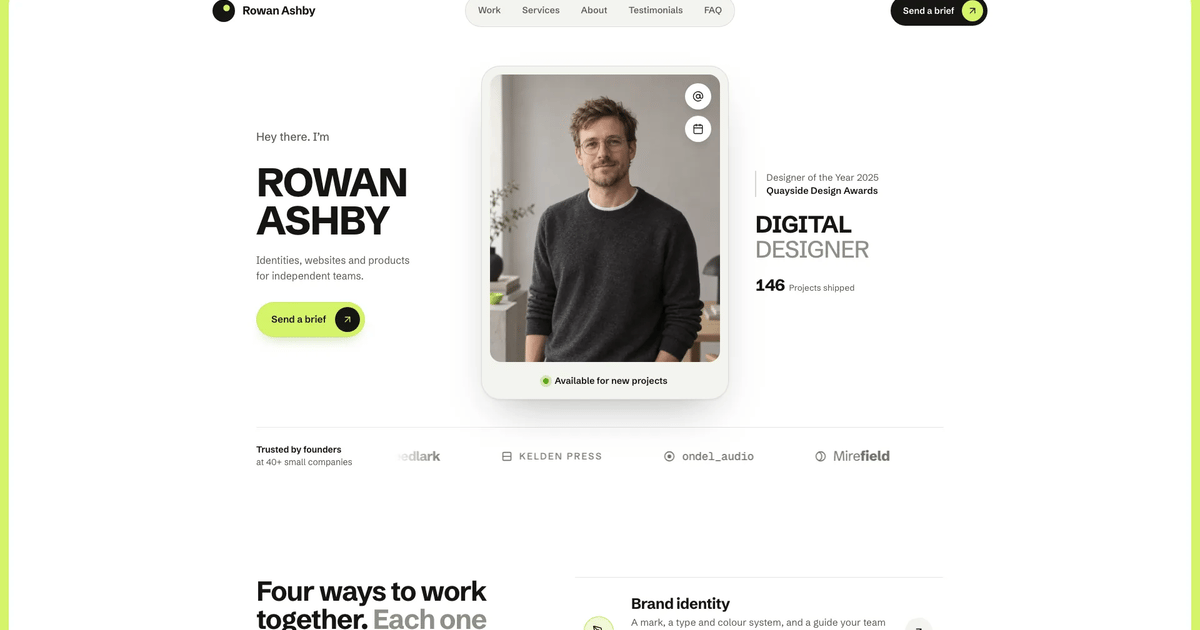
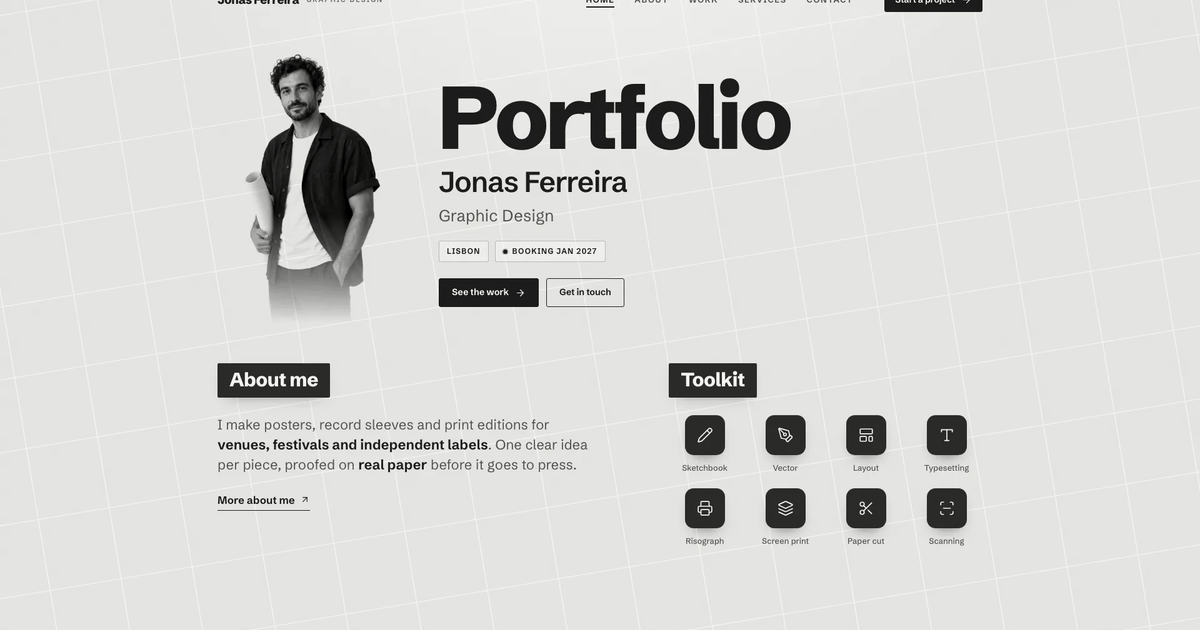
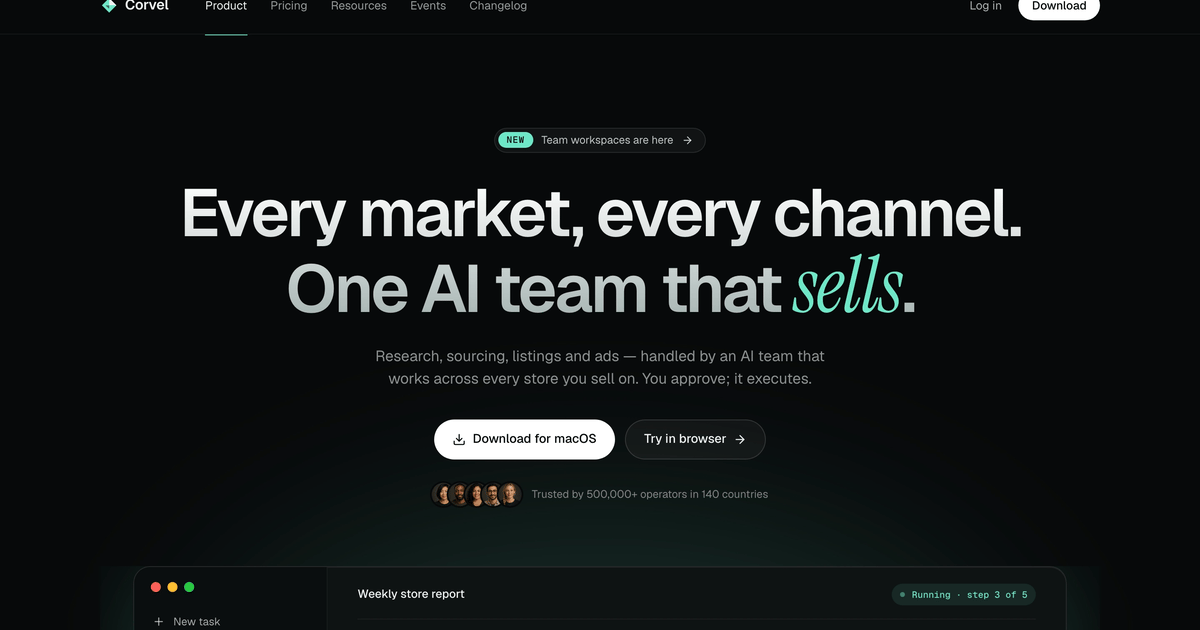
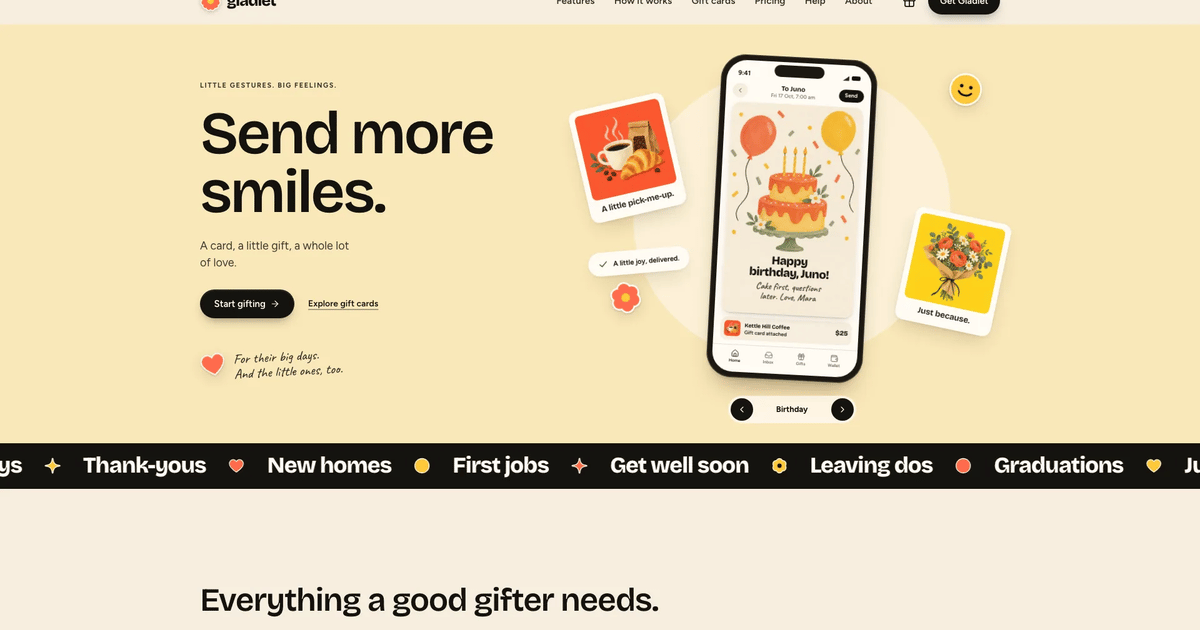
What you’ll get
- A full brand shop: home, product, collection and recipe pages, our story, stockists with a map, wholesale, FAQ, delivery, contact, newsletter, bag, checkout an…
- The grid-paper look: warm paper with fine grid lines, heavy condensed headlines, outlined flavor-tinted cards, a five-photo hero fan with stickers and a cobalt…
- Working shop details: a bag drawer with a free-delivery meter, size and subscription pricing, search, filters, a recipe servings scaler and checkout with valid…
Great for
- Oat, juice, coffee, tea, kombucha or snack brands that want a cheerful sticker-and-carton personality
- Small consumer brands that need shop, recipes or rituals, stockists and support pages designed as one family
- Founders who want a believable storefront before connecting real payments, or a design to port into their own project
Skip it if
- Quiet luxury or corporate brands: heavy condensed type, stickers and flavor colors are deliberately loud and playful
- Stores that need real payments, accounts or order delivery today: the bag and checkout confirm on the page and say nothing was charged
- One-screen teasers: the Skill builds a whole connected site, so a single landing section would waste most of it
About this Skill
- 1### 1. Establish the content and output location
- 2Read the target repository and its instructions before writing. Identify the
- 3brand, audience, products, page needs and available content: name and one-line
- 4promise, the product range (names, prices, sizes, what makes each different),
- 5how people buy (online, stockists, wholesale, subscription), the story and the
- 6people behind it, delivery and contact facts. Ask only for information that
- 7blocks progress. Map the brief onto the template with **Adapting to a real
- 8brief** below. Anything the brief does not give is drafted as plausible,
- 9specific placeholder copy in the house voice and listed in your final reply;
- 10never invent certifications, awards or health, regulatory or security claims.
- 11Keep unrelated files intact. Put a standalone site in its own directory and
- 12never migrate an existing app to another framework silently.
---
name: bs-gridpaper-beverage-brand-site
description: Build a complete multi-page website with warm grid paper, heavy condensed display type, outlined product cards, a rotated photo fan and playful flavor colors. Includes connected content pages and interactive controls, with a reusable visual system for new brands and content.
---

# Grid-Paper Beverage Brand Site

Build a complete, shoppable brand website on warm grid paper: heavy condensed
Anton headlines, outlined cards with hard ink shadows, a rotated photo fan in
the hero, sticker accents and one playful color per flavor. The worked example
is a fictional oat drink brand, Oat Parade, with 34 connected routes, a working
bag and checkout, recipes, a stockist map and a full set of support pages.
`references/template.html` is the visual and behavioral blueprint and the
working engine: tokens, icon sprite, header, menu sheet, search, bag drawer,
page renderers, router, forms and toast. Its content (Oat Parade, its people,
flavors, stockists and town) is a fictional worked example; the content lives
in the data arrays and a `SITE` object at the top of the first script and in
the page renderers of the second. Preserve its design relationships when you
replace the brand and content.

## Quality bar

The result must read as a real company's finished website that someone could
launch, not a template. Before you call it done it must be:

- **Premium in craft:** real web fonts, a deliberate type scale, calibrated
  paper and ink tokens, consistent 2 px outlines and radius scale, full
  interaction states (hover, press, focus-visible, selected, disabled, loading,
  success, empty, error).
- **Reasonable in imagery:** every image has one job, one subject and one crop,
  shot in one art direction. No filler, no text in images, no repeated photo
  for unrelated items.
- **Calm in motion:** content is visible by default; short entrances, one
  signature hero choreography, no motion that hides or delays reading.
- **Complete:** every link, card, chip, form and control does something visible.
  Inner pages are designed pages, not a heading and two sentences.

## Workflow

### 1. Establish the content and output location

Read the target repository and its instructions before writing. Identify the
brand, audience, products, page needs and available content: name and one-line
promise, the product range (names, prices, sizes, what makes each different),
how people buy (online, stockists, wholesale, subscription), the story and the
people behind it, delivery and contact facts. Ask only for information that
blocks progress. Map the brief onto the template with **Adapting to a real
brief** below. Anything the brief does not give is drafted as plausible,
specific placeholder copy in the house voice and listed in your final reply;
never invent certifications, awards or health, regulatory or security claims.
Keep unrelated files intact. Put a standalone site in its own directory and
never migrate an existing app to another framework silently.

### 2. Choose the deliverable

No existing project: build **one self-contained HTML file** from the template,
like the store demo. This is the default; do not ask a stack question. The
buyer has a framework project or asks for one: inspect it first and port per
`references/framework-adaptation.md` (Next.js App Router with TypeScript when
a framework is wanted but not named). Translate the template into real
components, data modules and framework routes. Never wrap the template in an
iframe or inject it as raw HTML. The hash router belongs to the single file
only.

### 3. Read and preserve the visual system

Read `references/style-guide.md` and `references/visual-contract.md`, then open
`references/template.html`. Keep these signatures in every output:

- warm-white grid paper ground (`#FBF8F1`, faint neutral 22 px minor and
  110 px major lines), cobalt `#1F55C6` as the only brand blue, no purple;
- Anton display headlines in sentence case with tight tracking, Space Mono for
  labels and support lines, Instrument Sans for body copy;
- the `oat-hero` composition, small and quiet: centered two-line headline at
  60 px (42 px on phones), one 12 px mono support line, and the 850 px
  `oat-fan` of five rotated photo cards with three small stickers. No pill,
  no CTAs, no swash, no badges and no announcement bar above the header (see
  "Hero anatomy" in `references/style-guide.md`);
- outlined product cards tinted with each flavor color, a cobalt featured card;
- `oat-story` split panel, stat bento, field-to-fridge journey, `oat-recipes`
  bento, fridge-door testimonial panel, yellow stockist panel, cobalt footer
  with the oversized wordmark.

New copy may need a line break or a local adjustment, never a new style.

Fonts: Anton (400), Instrument Sans (variable, 400 to 700) and Space Mono (400,
700). The template loads them from the fontsource CDN. In a framework project
install `@fontsource/anton`, `@fontsource-variable/instrument-sans` and
`@fontsource/space-mono` or use `next/font/google` (`Anton`, `Instrument_Sans`,
`Space_Mono`). For the single file, `scripts/inline-assets.mjs` downloads each
fontsource woff2 named in the template's `@font-face` rules once at build time
and embeds it as a data URI (it stops if a download fails), so the page makes
no network requests. A deployed site that keeps files beside the page
self-hosts the same woff2 files in `fonts/`.

### 4. Plan the complete page family

Read `references/page-library.md`, `references/route-inventory.md` and
`references/interior-pages.md`. Inventory every navigation item, card, product,
recipe, collection and form destination. Give each entity an id, title,
category, specific description and its own image subject. Every detail page has
a breadcrumb, useful sections, related items and a way back. Every page is
reachable from visible navigation or a contextual link, and unknown routes show
the designed 404.

### 5. Plan and create the imagery

Read `references/image-plan.md`. Before generating anything:

1. Write one art-direction sentence for the whole site (light, palette, lens,
   set dressing) and append it to every prompt.
2. List every image slot by role: hero fan, product (one per product), recipe
   (one per recipe), collection, process/origin, people (founders, team),
   place (cafe), packaging (box). Choose aspect and crop focus per slot.
3. Generate one coherent scene per image; blank packaging, no text, no logos.
4. Review every image at its displayed crop on desktop and at 390 px.
   Regenerate anything off-brief, uncanny or mis-cropped.

Reuse an entity's image only for that entity (card, detail page, search
result). Ship web-sized WebP files, set `width`/`height` or `aspect-ratio`,
`object-fit: cover` with a deliberate `object-position`, meaningful `alt`,
`loading="lazy"` below the fold and `decoding="async"`.

### 6. Build the structure

Use shared components for header, mobile menu, search dialog, bag drawer,
buttons, chips, product card, recipe card, forms, toast and footer. Keep
collections (products, collections, recipes, stockists, FAQs, notes) in data
modules rendered by small components. Use semantic landmarks, one `h1` per
page, a skip link, labels above inputs and `aria-*` on custom widgets.

### 7. Apply the motion system

Read `references/motion-system.md`. Hero elements animate in on load (900 ms
at most in total: headline and support line rise 10 px, fan cards settle into
their rotation, stickers pop last). Below
the fold, sections fade and rise 18 px once, staggered 70 ms. Route changes
fade in 340 ms and scroll to top. Micro-interactions stay at 120 to 240 ms and
animate only transform, opacity, translate, clip-path. Respect
`prefers-reduced-motion`.

### 8. Make every interaction work

Use `references/quality-checklist.md` as the contract. At minimum: sticky
header that gains an ink rule on scroll, active nav state, focus-trapped mobile
menu and search dialog (Esc closes, focus returns), bag drawer with quantity,
remove, free-delivery meter and running total, product size and subscription
options that update the price, shop search plus filter chips plus sort with an
empty state, saved items, recipe servings that rescale ingredients, stockist
search with list-to-map selection, FAQ search and accordion, and forms with
inline validation, loading and success states. The preview never claims a real
payment or message was sent.

### 9. Apply the icon grammar

Read `references/icon-library.md`. Interface icons are inline SVG in Lucide
grammar (24 viewBox, `currentColor` stroke, 2 px, round caps). Stickers and the
logo are simple filled SVG marks. No emoji, dingbats, icon fonts or real brand
logos. Icon-only buttons need accessible names.

### 10. Build and validate

Keep your source page next to an `images/` folder (copy the template there with
the images you use), then build the deliverable and validate it:

```bash
node scripts/inline-assets.mjs site/index.src.html site/index.html
node scripts/validate-design.mjs site/index.html
```

The build embeds every `images/` file and the fontsource fonts as data URIs
(paths inside the `IMG` map and CSS `url()` are found too; each image path
appears once, so each file is embedded once). The validator checks offline
self-containment, sandbox safety, emoji and dash discipline, alt text and
labelled controls, focus and reduced-motion styles, site structure (a home
route, at least 8 routes with a detail route, a designed 404, every `#/` link
resolves, detail links name a real `id`, one `h1` per page renderer, a form),
the grid-paper contract and signature structures, the size cap, and it fails
if any of the worked example's brand, domain, people, places, stockists or
flavor names are left. `--files` validates a deployed site that keeps
`images/` and `fonts/` beside the page; `--template` checks the template
itself. For a framework output, run that project's type check and build.

### 11. Review in a real browser

Open the home page and every route at 1440, 1024, 768 and 390 px. Compare the
hero silhouette, fan, headline scale and section rhythm with the template: the
hero headline must stay within 8% of 60 px (42 px on phones) with its top about
50 px under the header, and section titles must stay near 46 px.
Click every nav item, card, chip and control; submit every form empty and
filled; open and close every overlay with mouse and keyboard. Confirm no
horizontal overflow, covered text, blank image or console error. For a
single-file deliverable, also load it inside `<iframe sandbox="allow-scripts">`.

### 12. Deliver clearly

Report the output path, the stack, what was validated programmatically and what
was reviewed in the browser. Do not claim deployment or payment integration
unless those actions actually happened.

## Adapting to a real brief

- **Counts flex; the grammar does not.** Products live in `PRODUCTS`; the
  shop grid `.pgrid` is four columns (three on tablets), so 4, 8 or 12 fill
  rows cleanly; for 3, 6 or 9 products set it to `repeat(3, minmax(0, 1fr))`.
  Mark one product `isNew` for the cobalt featured card; keep or delete the
  one `isBox` bundle. `COLLECTIONS` fills the two-column `.coll-grid`: use 2 or
  4 (with no collections, drop the route and the shop chips). `RECIPES` needs
  at least 3 (the home bento shows three). `NOTES` fills the four-column
  `.notes` panel: 4, or 3 with `repeat(3, ...)`. `STOCKISTS` and `FAQS` take
  any number (map pins use each stockist's `x`/`y`). The hero fan stays five
  cards. Headings and copy that state a number ("seven flavors", "Seven
  cartons", "7 cartons, save $4") change with the data.
- **Ids are wired by hand in a few places.** When you add, rename or delete a
  product or recipe id, also update: product `pairs`, recipe `with`, stockist
  `carries`, the hero fan list, the recipe bento ids and the recipe links in
  `pageHome`, the
  "Not sure where to start?" matcher in `pageShop`, the bundle links
  (`#/shop/box`) in the menu sheet, footer, home, collections page and empty bag,
  and the `PAGES` list in the search. The validator fails on any literal link
  to an unknown id; walk every route once to catch a renderer that looks up a
  deleted id.
- **Map the sections to the business.** A juice, coffee, tea, kombucha or
  snack brand keeps the shape: flavors become products, recipes become serving
  ideas or rituals, stockists stay. A skincare or candle brand: products by
  scent, collections by routine, recipes become rituals (steps, quantities,
  servings as "uses"), the nutrition table becomes ingredients and how to use.
  No retail partners: drop the stockists route and map, keep the yellow find
  panel pointing at delivery. No wholesale: drop `wholesale` and its links.
  Rename routes freely (the `ROUTES` pattern, every `#/` link, `nav:` and
  `data-nav` move together).
- **Real facts only.** For a real business, testimonials, stockists, partner
  cafes, figures (the stat bento), team, timeline years, addresses, delivery
  zones, cutoffs and prices come from the brief. Anything missing is drafted
  as clearly plausible placeholder copy and listed in your final reply for the
  buyer to confirm or replace. No invented certifications, awards, organic or
  gluten-free claims, nutrition values, health or regulatory claims: if the
  brief gives no nutrition data, remove the nutrition table rather than guess.
- **People photos.** If the site presents real founders or a real team, ask
  for their photos. The shipped `founders.webp` and `team.webp` and the names
  in `pageAbout` are stand-ins: say so in the final reply.
- **Shipped images.** Reusable as neutral placeholders for a food or drink
  brand: `r-pancakes`, `r-porridge`, `r-smoothie`, `r-latte`, `recipe-bread`,
  `recipe-cocoa`, `cafe`, `picnic`. Sample-specific, regenerate for any other
  product: the seven `p-*` carton still lifes, `box` (seven oat drink cartons),
  `table` (blank cobalt-panel cartons), `farm` (an oat field) and `mill` (oat
  flakes). Use `references/image-plan.md` for the art direction and slots.
- **Deliverable.** No project: the single HTML file built with
  `scripts/inline-assets.mjs` (fonts and images as data URIs, safe in a
  sandboxed preview). A normal deployed site may keep `images/` and `fonts/`
  beside the page instead (validate with `--files`). A framework project: port
  per `references/framework-adaptation.md` with local image and font files.
- **The hero copy changes, its anatomy does not.** New two-line headline, one
  mono support line and five fan photos of the buyer's own products and
  moments; same sizes, same rotations, same three stickers.

## Replace checklist

Strings outside the data arrays; the validator names any sample leftover it
finds.

- `<title>`, meta description, `og:site_name`, `og:title`, `og:description`.
- `SITE` at the top of the first script: `name`, `tagline` (page titles),
  `legalName`, `email`, `address`, `orderExample`.
- Header, menu sheet and footer: logo word and `aria-label`, the menu sheet
  bundle button and contact line, footer tagline, link columns, legal line
  and the oversized `.foot-word`; the `<noscript>` heading.
- `ALT` text that names the brand (`table`, `team`) and every alt you keep.
- Page renderers with sample copy: `pageHome` (story, stats, journey, find
  panel), `pageAbout` (timeline, people, address), `pageStockists`,
  `pageWholesale`, `pageDelivery` (zones, days, cutoffs), `pageNewsletter`,
  `pageCheckout` and `pageLegal` (dates, retention, terms).
- Pricing and delivery: `FREE_OVER`, `FEE` and the sample promo code `PROMO`
  in the pricing block, the `SIZES` multipack savings, and `nextDelivery()`
  (a Thursday delivery with a Tuesday cutoff); change or remove them to match
  the buyer. Prices use `$`; change `money()` for another currency.

## Single-file constraints

The single-file deliverable is one self-contained HTML file (target 5 MB,
hard cap 8 MB) with inline CSS, JS, fonts and images, built by
`scripts/inline-assets.mjs`. It runs from disk with no network requests.
Sandbox restrictions apply when the page is previewed inside a sandboxed
iframe (`<iframe sandbox="allow-scripts">`, a single-file demo): no storage,
no cookies, no `alert`/`confirm`/`prompt`, no `window.open`, no top navigation
and no native form submission (use `type="button"` handlers and Enter-key
handling); hash routing keeps state in JavaScript. The template already works
this way. A deployed site or framework project does not need them.

A buyer's site uses the buyer's real name, domain and contact details; only
the store demo is fictional. Forms and checkout confirm in-page and say that
nothing was sent or charged until a backend is connected. English copy unless
the brief says otherwise.

## Files

- `references/template.html`: editable blueprint (CSS tokens, `SITE`, data
  collections, page renderers); a fictional worked example that loads
  `references/images/` and its fonts from the fontsource CDN.
- `references/images/`: the template's photos (see the reuse notes above).
- `references/style-guide.md`: tokens, type, spacing, components, do and don't.
- `references/visual-contract.md`: fidelity requirements per section and page.
- `references/image-plan.md`: art direction and every image slot with prompts.
- `references/motion-system.md`: motion tokens, reveal pattern, reduced motion.
- `references/quality-checklist.md`: pre-delivery checklist.
- `references/page-library.md`: page roles and content requirements.
- `references/route-inventory.md`: the worked example's routes (one mapping,
  not a requirement).
- `references/interior-pages.md`: anatomy of every inner page.
- `references/framework-adaptation.md`: stack choice and component mapping.
- `references/icon-library.md`: icon set and accessibility rules.
- `references/reui-components.md`: mapping of template controls to ReUI.
- `scripts/inline-assets.mjs`: builds the single offline file (images and
  fonts as data URIs, each repeated image once).
- `scripts/validate-design.mjs`: the validator described in step 10 (your
  site by default; `--files`, `--template`, `--demo`).

### Shopping bag entrance

Use a compact 44 px icon-only bag button in the header. Do not render
"Bag (0)" or a text label. Hide the quantity badge for an empty bag; show and
bump it for positive quantities. Keep an accessible label that states the count.

## Interior page depth

Read `references/interior-pages.md`. Keep each page's specific content, image
roles, selection states and contextual actions. Do not reduce inner pages to a
heading and a few summary sentences.

<!-- reui:stack -->
#### Interface components in React outputs come from ReUI

The template's generic controls (buttons, text fields, selects, radio groups,
segmented toggles, tabs, accordions, filter chips, the menu sheet and bag
drawer) are hand-built in vanilla HTML so the preview stays self-contained.
When the output is React or Next.js, build those controls from
[ReUI](https://reui.io) instead of re-creating them by hand.

- Install from the official registry and use the real component source
  (`npx shadcn@latest add @reui/button`, and so on), imported from your
  `components/ui` directory. The source lives at
  https://github.com/keenthemes/reui.
- Do not substitute a hand-rolled popover or a `div` with matching class names.
  If a control needs behavior ReUI does not provide (the photo fan, the map
  pins), build it explicitly and say so.
- Style through tokens, not forks: point ReUI's custom properties (`--primary`,
  `--background`, `--border`, `--radius`, fonts) at this template's palette and
  keep the template's class names on rendered elements.
  `references/reui-components.md` lists the mapping.
- In a non-React stack, check ReUI's real support before promising it. Astro
  can mount React islands; a Vue or Svelte project cannot use ReUI directly.
  Raise the conflict rather than switching stacks.
<!-- /reui:stack -->
User reviews
0 reviews
No reviews yet.
Ratings show up here once real people have tried it. We don’t display scores without the reviews behind them.
FAQ
What do I get by default?
One self-contained file that opens in any browser, works offline and makes no network requests, with every page reachable by its own link inside the file. If you have a framework project, or ask for one, the agent ports the design into real components and routes; Next.js with TypeScript is used when you want a framework but do not name one.
Where do the photos come from?
The agent plans one photo per product, recipe, collection and story moment in one sunny art direction and generates them with its own image tool, which may charge for usage. You can supply your own photos instead, and photos of real founders or a real team should always be yours. A few shipped recipe and café photos can stay as neutral placeholders for a food or drink brand.
Do the forms and checkout send anything?
No. The bag, checkout, contact and newsletter forms validate and confirm on the page and say that nothing was sent or charged. Connect a real store or form service when you launch.