Cobalt Serif Marketing Deck
Create an editable presentation with serif headlines, charcoal pages, cobalt crescent discs, and restrained planning charts. Turn marketing plans, launch roadmaps, and budget decisions into a clear sequence you can revise in your browser and export to PowerPoint.


Similar Skills



What you’ll get
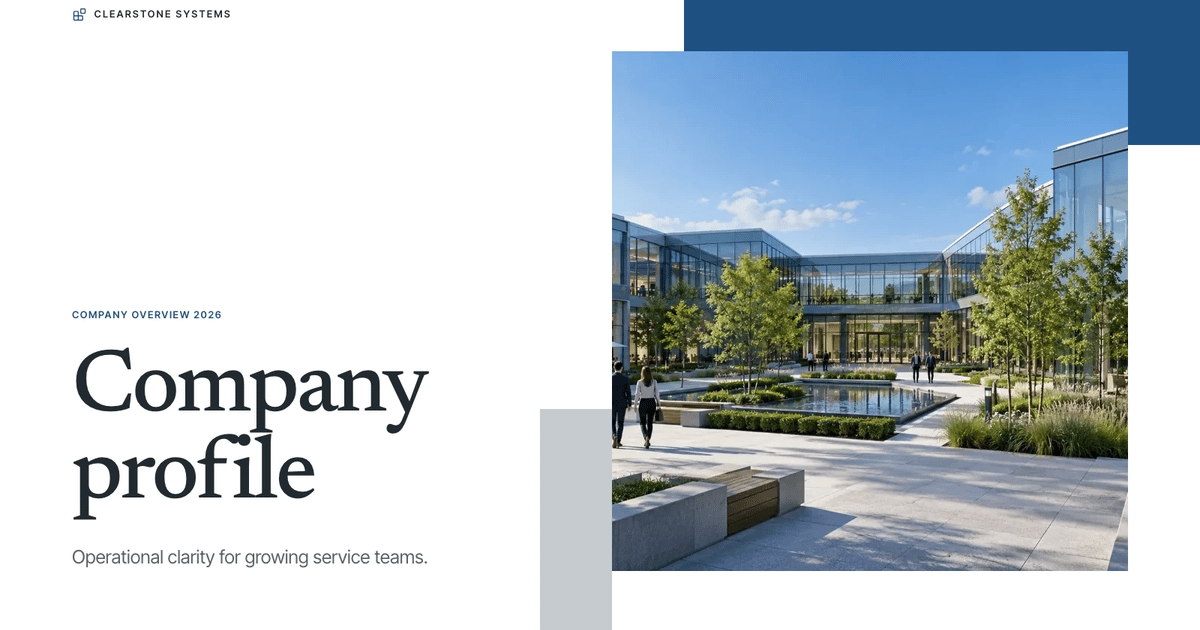
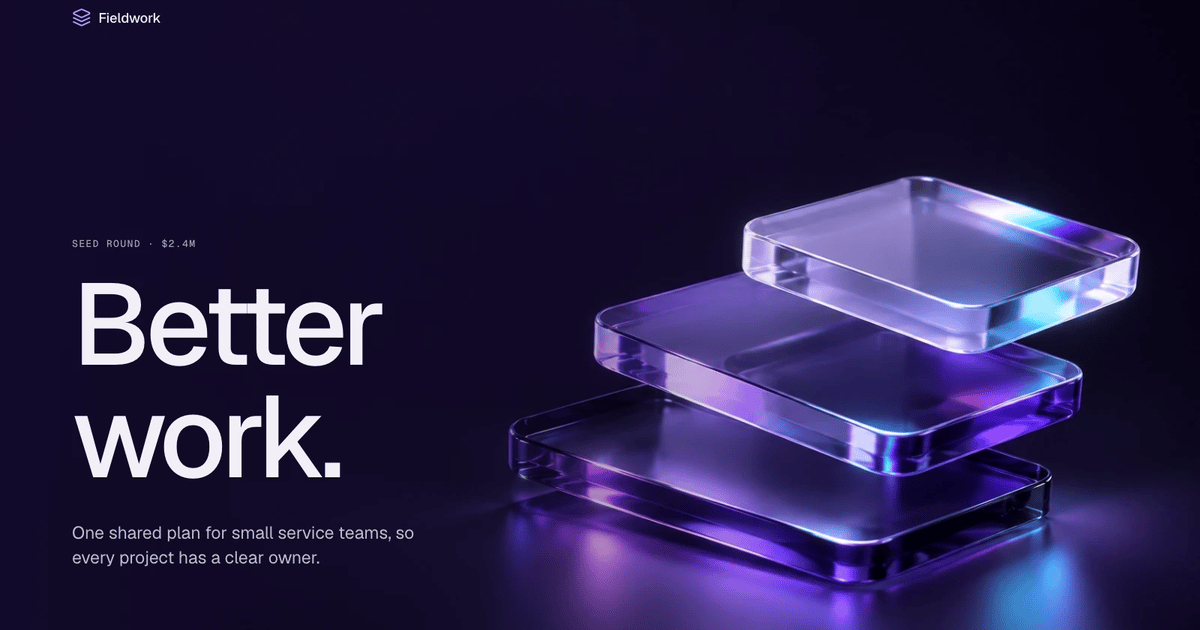
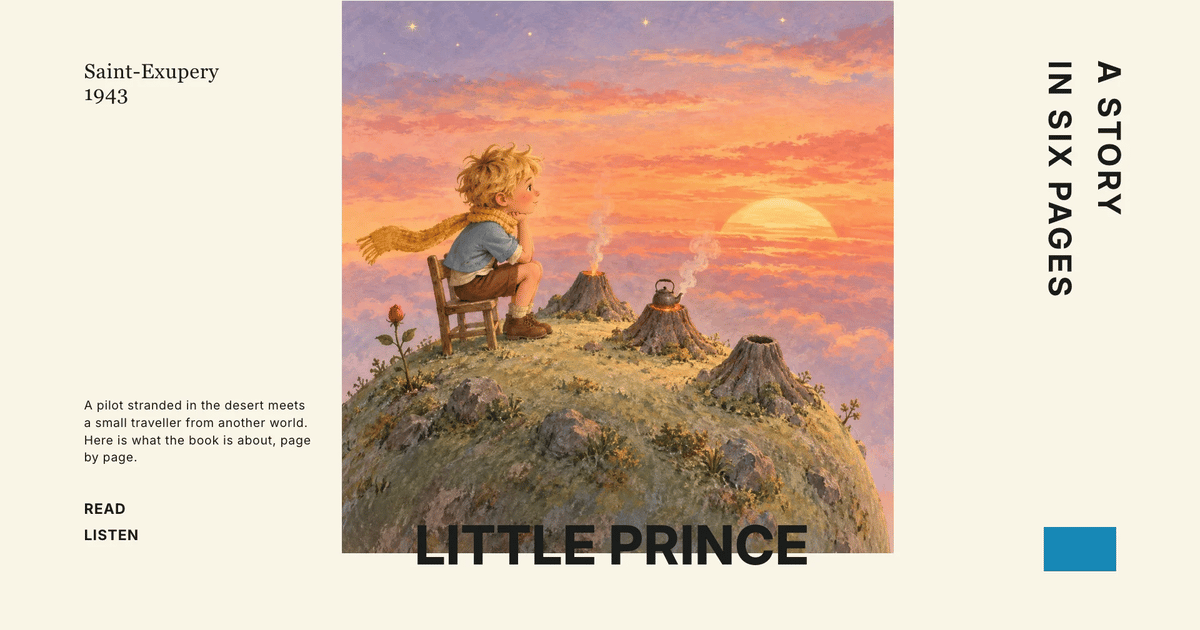
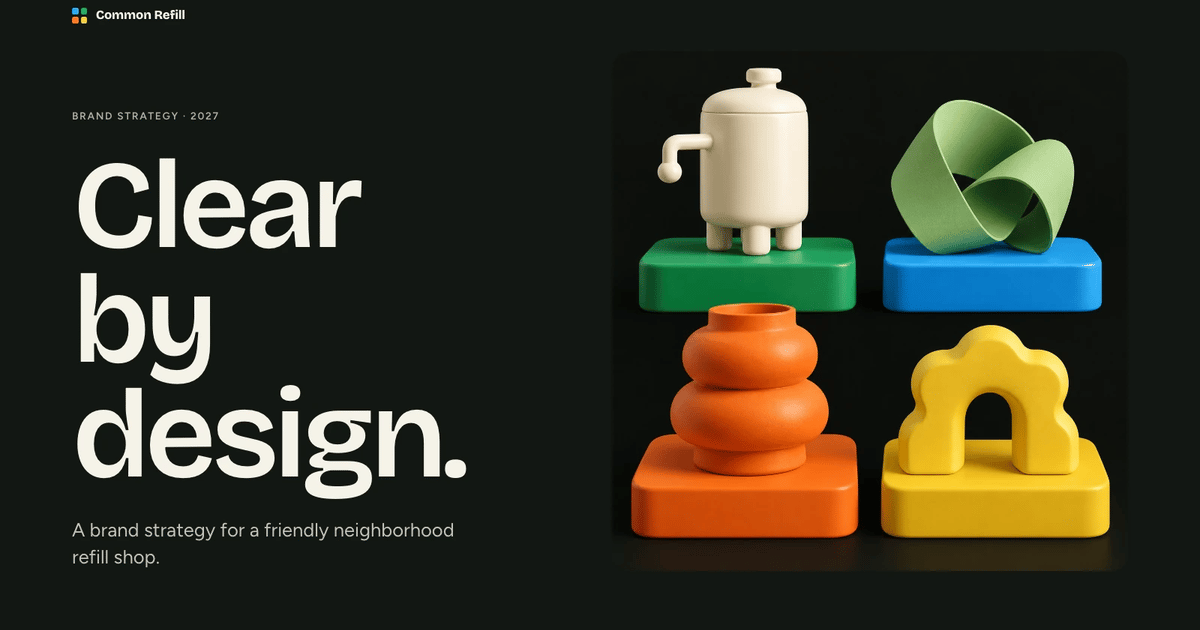
- A consistent deck using serif headlines, charcoal pages, cobalt crescent discs, and restrained planning charts with newly generated original case images.
- Browser editing plus PowerPoint export with editable text and notes; complex charts, shapes, and backgrounds may be images.
- A ten-page example, reusable page patterns, named color presets, and speaker notes.
Great for
- People preparing marketing plans, launch roadmaps, and budget decisions.
- Teams who want to revise the wording directly in the browser.
- Presenters who want one coherent appearance across a full sequence.
Skip it if
- Exact copies of an existing template or its protected artwork.
- A promise that every PowerPoint shape is natively editable.
- Automatic publishing or unapproved paid image generation.
About this Skill
- 1Confirm the user's topic, audience, source facts, communication language, content language and slide count. Write slide copy in English unless the user asks for another language. Keep this style's art direction, layout proportions and content limits below; do not substitute a generic template.
- 2Plan a clear narrative with one job per page, using the agreed number of fixed 16:9 pages and this style's word budgets and evidence rules.
- 3Read this package's style references (below). Named palettes are choices for slide content; the shared editor stays unchanged.
- 4Compose from the style kit so the deck matches the store example: write `plan.json` picking a recipe from `references/style-kit.json` for each page (recipes may repeat), set the new text, pictures, picture descriptions (`alt`), icons, chart labels and data values by node ID, remove nodes a page does not need, then run `python3 scripts/style-kit.py compose --style-kit references/style-kit.json --plan plan.json --output project.json`. Work through the report: fill every `unfilledImages` slot and replace each `leftoverExample` entry that belongs to the example's topic. The [compose guide](references/compose.md) documents every plan field. Refine `project.json` where needed (add, delete, move or restyle nodes, keeping IDs unique), keep the kit's `contentCSS`, and write `editor-config.json` with the bundled schema.
- 5Pictures:
- 6 - Before making any picture, ask the user once (with the step 1 questions when possible) and offer exactly three options. Pictures the user supplies come first in every option. If the user cannot be asked or does not answer, use option 1. Tell the user which option you used.
- 7 1. **Reuse this style's original pictures (recommended)**: use only pictures from this Skill's picture library, with no image credits. A slot with no fitting picture keeps its labeled image frame; list those slots for the user.
- 8 2. **Generate as needed**: reuse library pictures where they fit and generate only the remaining slots.
- 9 3. **Regenerate everything**: generate every picture new for this topic.
- 10 - Library: run `node scripts/embed-library-images.mjs --list`; use `any-topic` pictures freely and `topic-specific` ones only when their topic matches the deck, never show one picture on two pages, and set the plan's `images` value (or an image node `src`) to `library:<id>`. After composing, run `node scripts/embed-library-images.mjs project.json` to inline them; if a download fails, treat those slots as unfilled.
- 11 - Generate pictures following `references/image-prompts.md`, at the `aspect` that `style-kit.json` and the compose report list for each slot. Use FAL with the user's `FAL_KEY` through `node scripts/fal-image.mjs` (submit once, then status/fetch; each submission is a paid task that is never retried automatically). In ChatGPT or Codex, the built-in image generation (GPT Image) may be used instead and needs no key. Never use another image provider. Library pictures (`--download <id> --out <dir>`) or pictures already made for this deck can be passed as `--reference` to keep the series consistent.
- 12 - With neither FAL nor a built-in tool, options 2 and 3 fall back to option 1.
- 13Set `uiLocale` and `conversationLocale` to the user's communication language and `contentLocale`/`contentDirection` from the brief; compose detects Chinese, Japanese and Korean plans. Arabic and Hebrew right-to-left layout is handled by the framework; do not reverse logical arrays.
- 14Build and check: `python3 scripts/build-deck.py --project project.json --config editor-config.json --output presentation.html`, then `python3 scripts/check-deck.py presentation.html --expected-slides N --style-kit references/style-kit.json --report deck-check.json`. Resolve every example string the check still reports. If it warns about size, run `python3 scripts/optimize-images.py presentation.html` and check again.
- 15Open the file over local HTTP and inspect every page: typography, pictures, hierarchy, crops, bounds, contrast and spacing. Edit text, add/delete/move a block, change a color or Smart layout, edit notes, undo/redo, save and reopen. Presentation mode must disable editing and its glass navigation must hide after five idle seconds.
- 16Deliver the single HTML file. It opens in a page view with an Edit button and works offline. Tell the user that edits stay in the browser until they press Save (Cmd/Ctrl+S), which writes them into the file. On request, export PPTX from the built-in menu, run `python3 scripts/check-pptx.py presentation.pptx --project project.json --report pptx-check.json` and inspect it in PowerPoint, Keynote or WPS. Keynote uses the compatible `.pptx`. Print/PDF gives one page per slide.
---
name: bs-cobalt-serif-marketing-deck
description: Create an editable presentation with serif headlines, charcoal pages, cobalt crescent discs, and restrained planning charts. Turn marketing plans, launch roadmaps, and budget decisions into a clear sequence you can revise in your browser and export to PowerPoint.
---

# Cobalt Serif Marketing Deck

Use this Skill for marketing plans, launch roadmaps, budget decisions and team or channel overviews that should read as one premium dark deck: charcoal pages, large serif headlines, glowing cobalt crescent discs, edge-anchored photography and restrained charts. Do not mix it with another aesthetic.

## Shared editor contract

This style always uses the bundled framework in `references/framework/`; never build a separate editor or paging engine. The editor UI is identical across styles: black, white and gray, with localized icon tooltips and independently editable objects. Palettes, fonts, artwork and layouts stay specific to this Skill and come from its style kit. Read [runtime](references/runtime.md) for the editor, saving and export behaviour, and [compose guide](references/compose.md) for the plan format.

## Workflow

1. Confirm the user's topic, audience, source facts, communication language, content language and slide count. Write slide copy in English unless the user asks for another language. Keep this style's art direction, layout proportions and content limits below; do not substitute a generic template.
2. Plan a clear narrative with one job per page, using the agreed number of fixed 16:9 pages and this style's word budgets and evidence rules.
3. Read this package's style references (below). Named palettes are choices for slide content; the shared editor stays unchanged.
4. Compose from the style kit so the deck matches the store example: write `plan.json` picking a recipe from `references/style-kit.json` for each page (recipes may repeat), set the new text, pictures, picture descriptions (`alt`), icons, chart labels and data values by node ID, remove nodes a page does not need, then run `python3 scripts/style-kit.py compose --style-kit references/style-kit.json --plan plan.json --output project.json`. Work through the report: fill every `unfilledImages` slot and replace each `leftoverExample` entry that belongs to the example's topic. The [compose guide](references/compose.md) documents every plan field. Refine `project.json` where needed (add, delete, move or restyle nodes, keeping IDs unique), keep the kit's `contentCSS`, and write `editor-config.json` with the bundled schema.
5. Pictures:
   - Before making any picture, ask the user once (with the step 1 questions when possible) and offer exactly three options. Pictures the user supplies come first in every option. If the user cannot be asked or does not answer, use option 1. Tell the user which option you used.
     1. **Reuse this style's original pictures (recommended)**: use only pictures from this Skill's picture library, with no image credits. A slot with no fitting picture keeps its labeled image frame; list those slots for the user.
     2. **Generate as needed**: reuse library pictures where they fit and generate only the remaining slots.
     3. **Regenerate everything**: generate every picture new for this topic.
   - Library: run `node scripts/embed-library-images.mjs --list`; use `any-topic` pictures freely and `topic-specific` ones only when their topic matches the deck, never show one picture on two pages, and set the plan's `images` value (or an image node `src`) to `library:<id>`. After composing, run `node scripts/embed-library-images.mjs project.json` to inline them; if a download fails, treat those slots as unfilled.
   - Generate pictures following `references/image-prompts.md`, at the `aspect` that `style-kit.json` and the compose report list for each slot. Use FAL with the user's `FAL_KEY` through `node scripts/fal-image.mjs` (submit once, then status/fetch; each submission is a paid task that is never retried automatically). In ChatGPT or Codex, the built-in image generation (GPT Image) may be used instead and needs no key. Never use another image provider. Library pictures (`--download <id> --out <dir>`) or pictures already made for this deck can be passed as `--reference` to keep the series consistent.
   - With neither FAL nor a built-in tool, options 2 and 3 fall back to option 1.
6. Set `uiLocale` and `conversationLocale` to the user's communication language and `contentLocale`/`contentDirection` from the brief; compose detects Chinese, Japanese and Korean plans. Arabic and Hebrew right-to-left layout is handled by the framework; do not reverse logical arrays.
7. Build and check: `python3 scripts/build-deck.py --project project.json --config editor-config.json --output presentation.html`, then `python3 scripts/check-deck.py presentation.html --expected-slides N --style-kit references/style-kit.json --report deck-check.json`. Resolve every example string the check still reports. If it warns about size, run `python3 scripts/optimize-images.py presentation.html` and check again.
8. Open the file over local HTTP and inspect every page: typography, pictures, hierarchy, crops, bounds, contrast and spacing. Edit text, add/delete/move a block, change a color or Smart layout, edit notes, undo/redo, save and reopen. Presentation mode must disable editing and its glass navigation must hide after five idle seconds.
9. Deliver the single HTML file. It opens in a page view with an Edit button and works offline. Tell the user that edits stay in the browser until they press Save (Cmd/Ctrl+S), which writes them into the file. On request, export PPTX from the built-in menu, run `python3 scripts/check-pptx.py presentation.pptx --project project.json --report pptx-check.json` and inspect it in PowerPoint, Keynote or WPS. Keynote uses the compatible `.pptx`. Print/PDF gives one page per slide.

## Style references

Read the [style kit](references/style-kit.json), [compose guide](references/compose.md), [palettes](references/themes.md), [layout recipes](references/layouts.md), [image prompts](references/image-prompts.md), [icons](references/icon-library.md), [style reference](references/style-reference.md) and [runtime](references/runtime.md).

## Inputs and outputs

- Inputs: topic, audience, the decision or next action, approximate page count, source outline, verified figures, any supplied images with rights.
- Output: one self-contained presentation HTML (page view, editor, presentation mode, speaker notes, pictures inline), optionally an exported PPTX and a PDF via print.

## Restraint rules

- Word budget: headline ≤ 7 words (cover ≤ 5), one supporting line ≤ 18 words, at most 3 items of a label plus one short line, ≤ 45 words per page; detail goes into the speaker notes.
- No tag clutter: only the small brand mark top-left; no pills, eyebrow stacks, meta rows or footer captions.
- At most 3 content blocks per page on the 12-column grid (77px margins), about a third left empty; never overlap two pictures.
- One radius for every card and photo; one cobalt accent element per page.
- Type is the embedded Newsreader serif (headlines, numbers) with Geist (body); never fall back to Arial or Georgia.

## Constraints

- Use only files in this Skill; delivered decks embed every asset, including the two fonts (no remote image or font URLs) and stay under 20 MB.
- Keep the dark treatment, palette tokens and serif/sans pairing; do not add light pages.
- Body text never below 17px; cut copy instead of shrinking it. Photos are anchored to an edge, full height or in portrait circles, never small floating rectangles; never repeat one picture on two pages.
- No real people, brands or third-party artwork in pictures; no placeholder copy.
- Read [references/runtime.md](references/runtime.md) for the notes, editor and export contracts. Keep [references/third-party-notices.md](references/third-party-notices.md) with the icons.

## Style-specific planning and composition

- Confirm audience, page count, outline and the decision wanted. Use verified figures; mark invented ones as illustrative in the notes (or one short footnote on a number page). Write slide copy in English unless the user asks for another language.

- Theme: pick a preset from [references/themes.md](references/themes.md) (Authored by default).

- Layouts: build pages from the style kit's recipes, whose archetypes are described in [references/layouts.md](references/layouts.md) (cover, goals, split, roadmap, budget chart, team, mirrored split, scorecard table, contact, closing), and follow its hard rules.

- Icons: only where they carry meaning; inline Lucide SVG from [references/icon-library.md](references/icon-library.md); never emoji, dingbats or icon fonts.

- Pictures: follow Workflow step 5 (user pictures first, the library question, generation and labeled frames). Slot frames and prompt patterns are in [references/image-prompts.md](references/image-prompts.md).

## Package boundary

Keep SKILL.md, scripts and references together. Include the shared runtime and required style resources. Examples, manifests, provider records, migration reports, previews and credentials do not belong in the installation ZIP. Use only references inside this Skill.
User reviews
0 reviews
No reviews yet.
Ratings show up here once real people have tried it. We don’t display scores without the reviews behind them.
FAQ
Can I edit the result?
Yes. Open the browser editor to change wording, notes, themes, and page order. Eligible text and notes remain editable in the exported PowerPoint file.
Do I need an image-generation account?
Decks can reuse this Skill's own picture library at no image cost: you choose up front whether to reuse it or generate every picture new. New pictures use your agent's built-in image generation tool (GPT Image class) with no separate API key, and availability follows your agent account.
Can I use another color theme?
Choose Authored, Teal, or Clay. The layouts and hierarchy stay consistent; the named palette controls avoid arbitrary color combinations.