LaunchMotion · Ink Dust Crumble
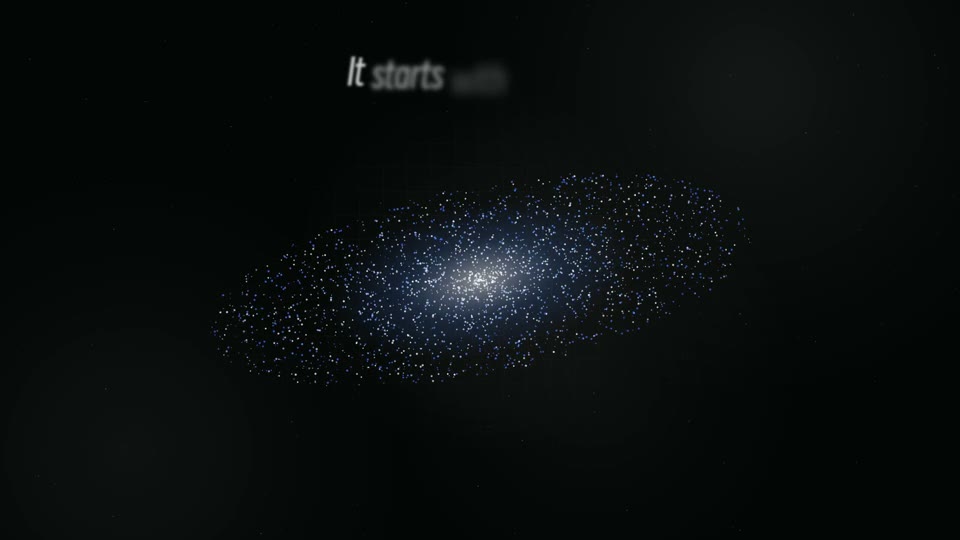
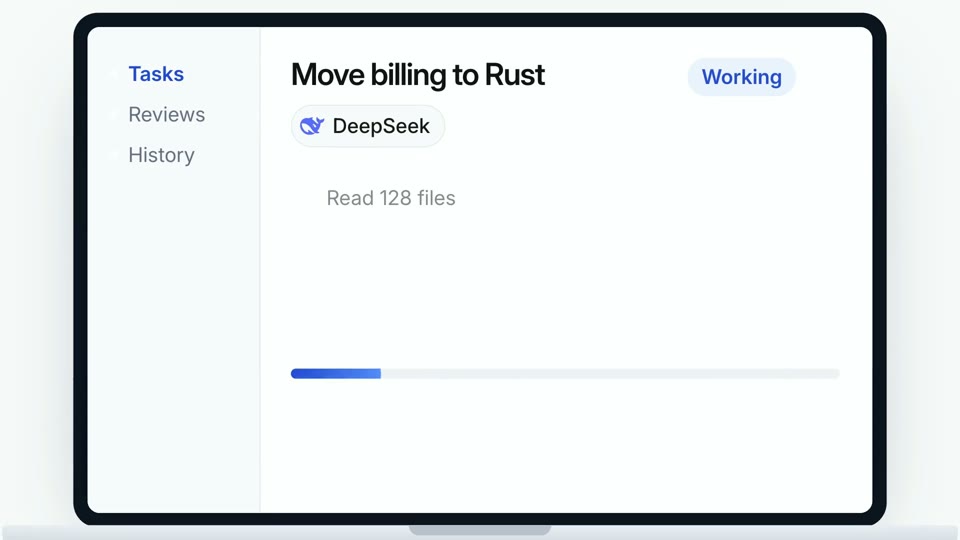
A scan flags personal details on a listing, then the statement and the card crumble into ink dust and a highlighted payoff line types in. Rewrite every line, pick a blue, black-and-white, orange or brand-color theme, and render a 7-second MP4 in 1080p or 4K on your own machine.


Similar Skills
What you’ll get
- An editable 7-second motion scene in 1080p or 4K: Ink Dust Crumble.
- 17 text slots with working defaults, so you only change the words that matter.
- Blue, black-and-white, orange or your own brand color from one command, with Smiley Sans headlines and frosted-glass cards.
Great for
- Product launch videos, release notes and feature announcements.
- Social clips and landing-page hero loops that need one clear motion beat.
- Teams who want premium, consistent scenes in their own brand color.
Skip it if
- Editing long-form footage or full launch films end to end.
- Full-screen saturated color backgrounds; this style keeps backgrounds white.
- Generating voiceover, music or new AI footage.
About this Skill
---
name: bs-launchmotion-prompt-find-crumbles-ink
description: "A scan flags personal details on a listing, then the statement and the card crumble into ink dust and a highlighted payoff line types in. Rewrite every line, pick a blue, black-and-white, orange or brand-color theme, and render a 7-second MP4 in 1080p or 4K on your own machine."
---

# Ink Dust Crumble

A scan flags personal details on a listing, then the statement and the card crumble into ink dust and a highlighted payoff line types in. One editable HyperFrames project, 7 s, 1920×1080 canvas, renders at 1080p (default) or 4K, 30 fps, light scene.

## 1. Start from the user's own material

Before writing any text, collect what the user already has. Their real product always beats a default.

- **Website link.** Open the site first, in a browser tool if you have one (otherwise fetch the HTML). Collect:
  the product name and one-line pitch; three to five features in the site's own words; real numbers
  (users, speed, price) only as stated; the logo (SVG or PNG, else `apple-touch-icon` or the favicon);
  the main brand color (primary buttons, links, logo); and screenshots of the hero and the key product
  sections at 1920 px wide (2x if you can). Save everything in `./brand/` with a short `brand.json`
  (name, pitch, features, numbers, colors, file list). Never invent numbers, customers or quotes.
- **Reference video.** Extract one frame per shot (`ffmpeg -i ref.mp4 -vf "select='gt(scene,0.3)'" -vsync vfr ref-%03d.png`),
  transcribe any speech, and write down what each shot says, how long it holds and which words it uses.
  Match its message, order and pacing. If it shows the user's own product, cut short clips for footage slots.
- **Nothing given.** Ask for the product name and one sentence about it, or keep the defaults.

Then fill the text slots from that material, put the user's logo and screenshots into the picture slots,
and offer the brand color as the theme.

## 2. Theme and font

Ask which look the user wants unless they already said:

- `--theme blue` (default), `--theme mono` (black and white), `--theme orange`, or
- `--accent "#RRGGBB"` for the brand color (for example the one collected from their website).

Backgrounds stay white or clear glass in every theme; the accent only colors buttons, highlighted words,
icons and selection rings. This is a light scene with a white background.
Headlines use Smiley Sans (Deyi Hei) and small interface text uses Inter. `--font inter` keeps Inter
everywhere; `--font path/to/font.woff2` (or .ttf/.otf) uses the user's own headline font.

## 3. Text slots

All visible text is in named slots. Defaults live in `references/defaults.json`; keep each value within its character limit.

| Slot | Default | Max chars |
| --- | --- | --- |
| `intro` | Your details are everywhere. | 32 | last word wrapped in span.soft
| `initials` | AM | 2 |
| `person` | Alex Morgan | 20 |
| `fact-1-label` | Home address | 14 |
| `fact-1` | 1482 Willow Lane, Austin | 24 |
| `fact-2-label` | Phone | 14 |
| `fact-2` | (512) 555-0142 | 24 |
| `fact-3-label` | Email | 14 |
| `fact-3` | alex.morgan@mail.com | 24 |
| `fact-4-label` | Relatives | 14 |
| `fact-4` | Jamie and Rose Morgan | 24 |
| `found` | Found | 8 | repeated on all four facts
| `find` | We find it. | 14 |
| `erase` | And erase it. | 14 | line is left-aligned at x 500; keep length close to default
| `done-prefix` | Removed from | 16 |
| `removed` | 214 | 4 | PARAMS.removed, counted up
| `done-unit` | sites | 10 |

## 4. Picture slots

This scene has no picture slots: its interface is drawn in HTML, so change it through the text slots.

## 5. Create and render

```bash
node scripts/create.mjs --out ./launch-scene --theme blue --set "intro=Your line here"
npx hyperframes preview ./launch-scene
npx hyperframes render ./launch-scene --output ./launch-scene.mp4 --fps 30 --quality high --resolution 1080p
# 4K: --resolution 4k
```

`--set key=value` can repeat; wrap one phrase in `[[ ]]` to keep the slot's highlight style. `--data content.json` accepts an object of slot values. `node scripts/create.mjs --help` lists every slot.

## Resolution

Before rendering, ask the user whether they want 1080p or 4K. If they do not say, render 1080p. For 4K add
`--resolution 4k` (3840×2160): the scene and its timing stay the same, Chrome renders it at twice the pixel
density, and the render takes longer.

## Style rules

- Never add large color areas: no full-screen color washes, colored panels or tinted backgrounds.
- Cards follow a frosted-glass system: floating controls are glass, large content cards use a thicker
  material, and only the main button is tinted with the accent. Do not add more glass.
- Third-party logos come from the LobeHub icon set in their original colors. Never recolor a logo.
  When the user features their own product, put their logo in the logo slot instead.
- Keep the timeline intact: change words, pictures and the theme, not timings. Keep each value within
  its character limit.

## Check

Inspect the frames at the start, the middle and the final hold. Fix any clipped or wrapping line by shortening the text, and any badly cropped picture by choosing a closer aspect ratio, then render again.
User reviews
0 reviews
No reviews yet.
Ratings show up here once real people have tried it. We don’t display scores without the reviews behind them.
FAQ
Can I change the text?
Yes. Every visible line is a named slot. Pass new values with --set key=value and the motion stays the same. Keep each value within the listed length so it fits.
Can it use my website and brand?
Yes. Give your agent your website link and it reads the site first: your product name, real features, logo, screenshots and brand color go into the scene. A reference video works too; the agent follows its message and pacing.
What do I need to render it?
Node.js 22 or newer, FFmpeg and the HyperFrames CLI. Rendering runs locally and calls no paid API.